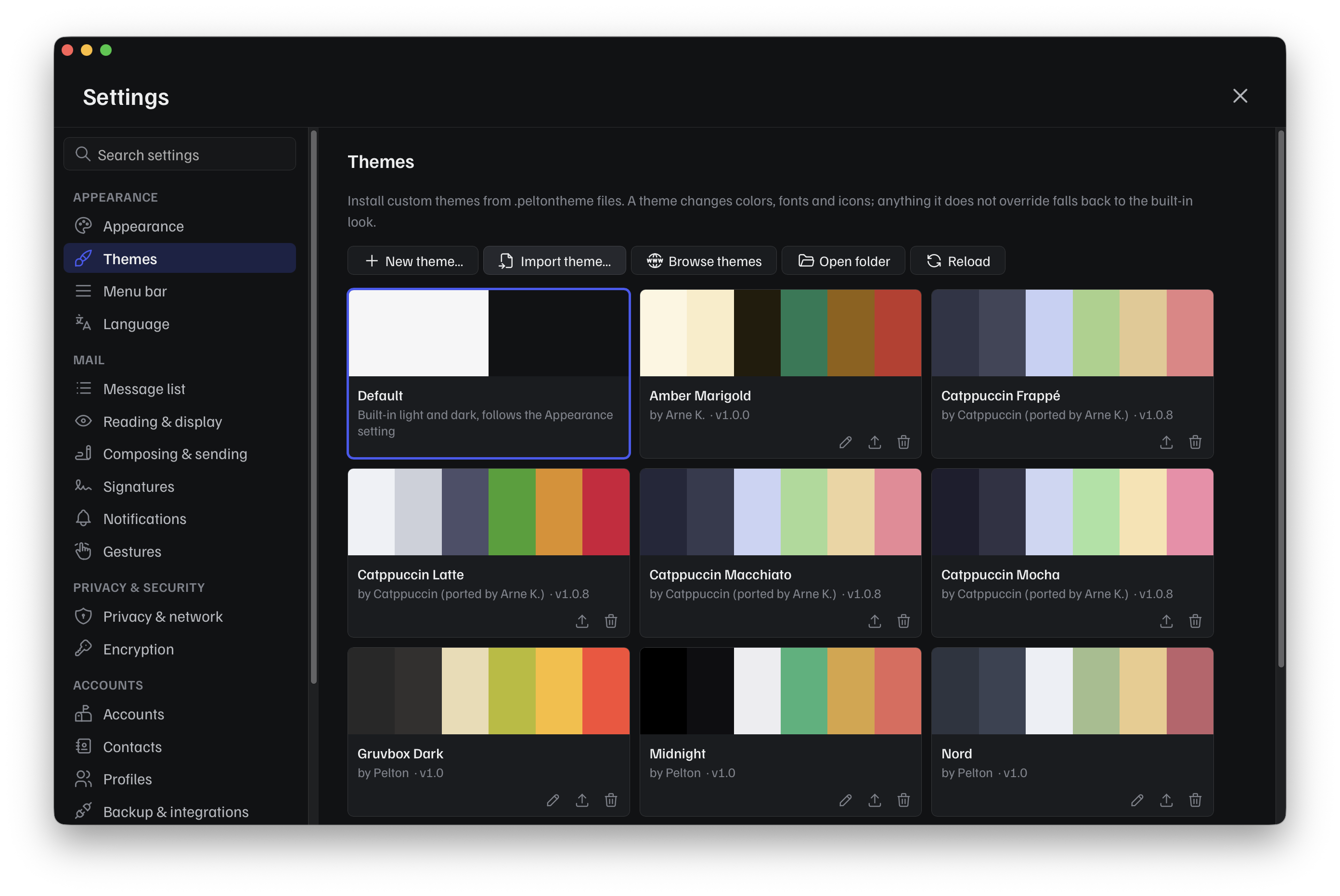
Themes
A theme changes Pelton's colors, fonts, and icons, and can add its own CSS on top for anything else. It's a small, sandboxed package: no network access, no filesystem access beyond what's bundled inside the file itself.
What a theme can and can't do
Every theme, whether installed from a file or built in Settings, is validated the same way before it's ever applied:
- Token allowlist. Only a fixed, documented set of tokens is themeable, see Theme format.
- No external requests. A theme can't reach out to the internet, anything it needs (fonts, images) has to be bundled inside the file itself. If a theme tries to anyway, Pelton warns you and blocks it by default.
- Safe icons. A custom icon can't contain anything executable, only plain images survive.
- Size caps. A theme file can't be huge, see Theme format for the exact limits, so it can't balloon Pelton's memory or disk usage.
Next steps
-
Installing a theme
Where to get one, how to import it, and where installed themes live on disk.
-
Theme format
The full
manifest.jsonschema, the complete token list, and the size limits. -
Create a theme
A full walkthrough: writing a manifest, adding CSS and icons, testing it, and sharing it with the community.
Need help?
See Support.